Quick Start
Get started with Chocolate Factory in just a few steps - from signing in to interacting with your AI Assistant.
The Chocolate Factory is currently in preview. Access is by invitation only. If you don’t have an account yet, ask your organization admin to invite you.
Sign In to Your Account
Visit the Chocolate Factory login page and sign in with your email and password, a magic link, or using your organization’s Azure Active Directory (Azure AD) account. New accounts are created via invitation - check your email for an invite link from your admin.

Create or Join an Organization
Once you’re logged in, you’ll be prompted to create your first organization or join an existing one. Organizations are shared workspaces where your team collaborates on projects. Give your organization a descriptive name (e.g., “My Company” or “Personal Projects”).
Create Your First Project
Inside your organization, click “New Project” to create a project. Enter a project name and optional description.
Create Your Agent
Agents are AI-powered assistants designed to help users accomplish tasks more efficiently. Depending on their configuration, agents can provide information, generate content, analyze data, answer questions, and assist with various activities across your workflow.
To create an agent, open the “Agents” section and click “Create Agent”. Specify the assistant’s description, select the desired AI model, and configure any additional settings based on your workflow. Once configured, save the agent and active to make it available within your project.
Running Your First Prompt
Go to “Dashboard” page and select your agent, then submit your first prompt.
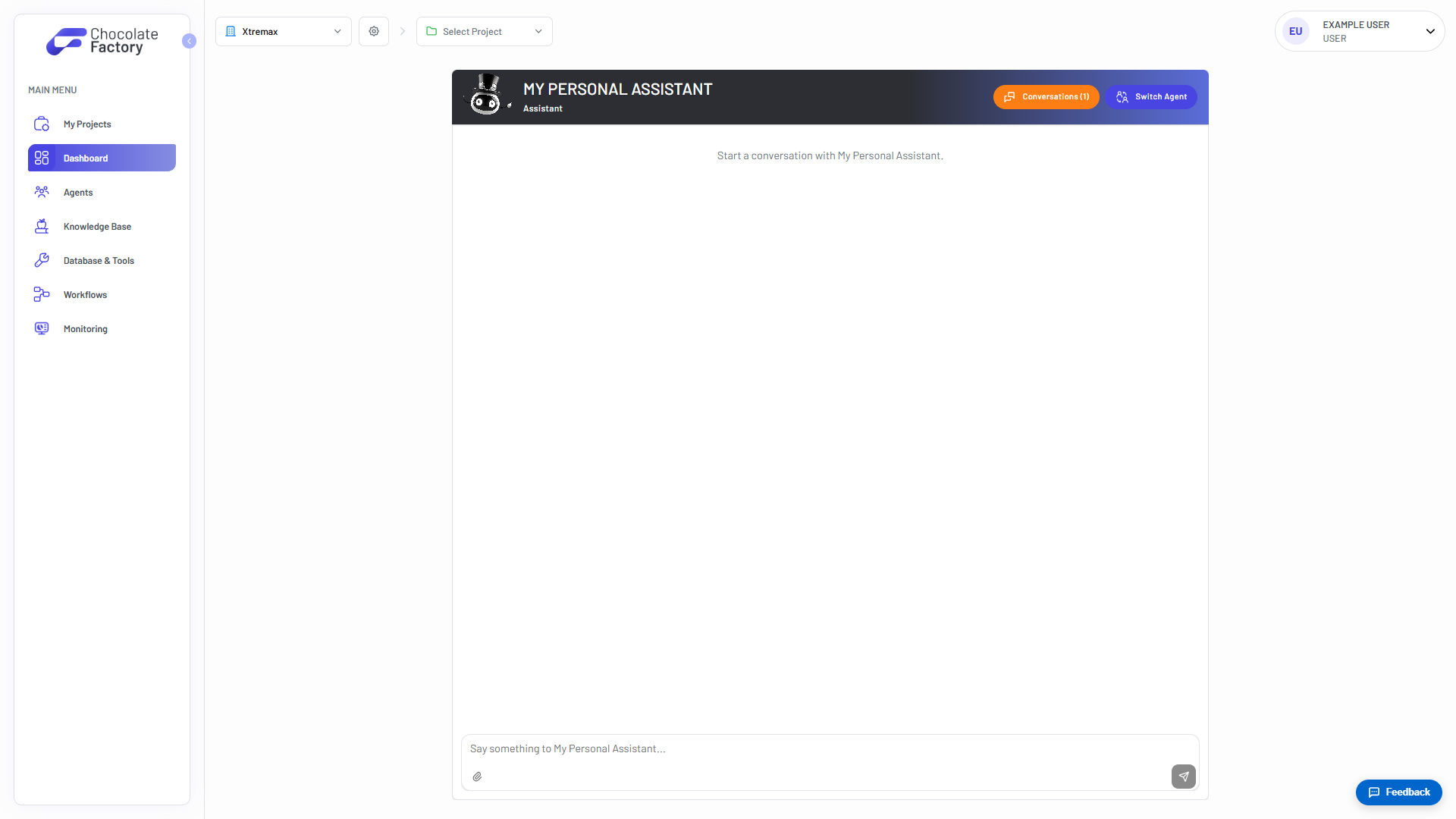
The agent will use the available context and its configured capabilities to provide relevant responses, recommendations, and assistance tailored to your task.
Explore AI Tools and Capabilities
Chocolate Factory provides a variety of tools and integrations that extend what your agents can do.
When configuring an agent, you can enable built-in tools such as:
- Chart Renderer → generate charts and visualizations from data.
- Code Interpreter → execute code in a secure sandbox environment.
- Browser → access and interact with web content.
- Document Generator → create PDF, Word, and Excel documents.
You can also enhance your agents by connecting:
- MCP Servers → integrate external tools and services. See MCP Servers.
- Databases → provide access → structured data. See Databases.
- Shared Workflows → reuse common processes across projects. See Workflows.
- Knowledge Bases → enable retrieval of project-specific information and documentation. See Knowledge Base.
By combining tools, integrations, and knowledge sources, you can tailor each agent to support your organization’s unique requirements and workflows.
Example Prompts
The quality of an agent’s response often improves when you provide clear objectives, relevant context, and the desired output format.
Here are some example prompts you can try:
- Summarize this document for me. Include a Key Takeaways section with three bullet points at the end.
- Help me create a project plan for [project name]. Include the objectives, milestones, risks, and next steps.
- Draft a proposal based on the following requirements: [requirements]. Organize the proposal into clear sections and highlight any open questions.
- Compare the advantages and disadvantages of [option A] and [option B]. Present the information in a table and provide a recommendation.
- Create a meeting agenda for a discussion about [topic]. Include objectives, discussion items, and follow-up actions.
- Help me prepare for a conversation with a subject matter expert on [topic]. Suggest questions I should ask and areas I should explore.
- Review the content below and suggest improvements for clarity, structure, and completeness.
By clearly describing your goal, providing relevant context, and specifying your preferred output format, you can help the agent deliver more accurate and useful results.
Chocolate Factory is designed to enhance productivity and support decision-making by providing AI-powered insights and recommendations.
Users should review and validate AI-generated outputs before acting on them, particularly for business-critical, legal, financial, compliance, or operational matters.